

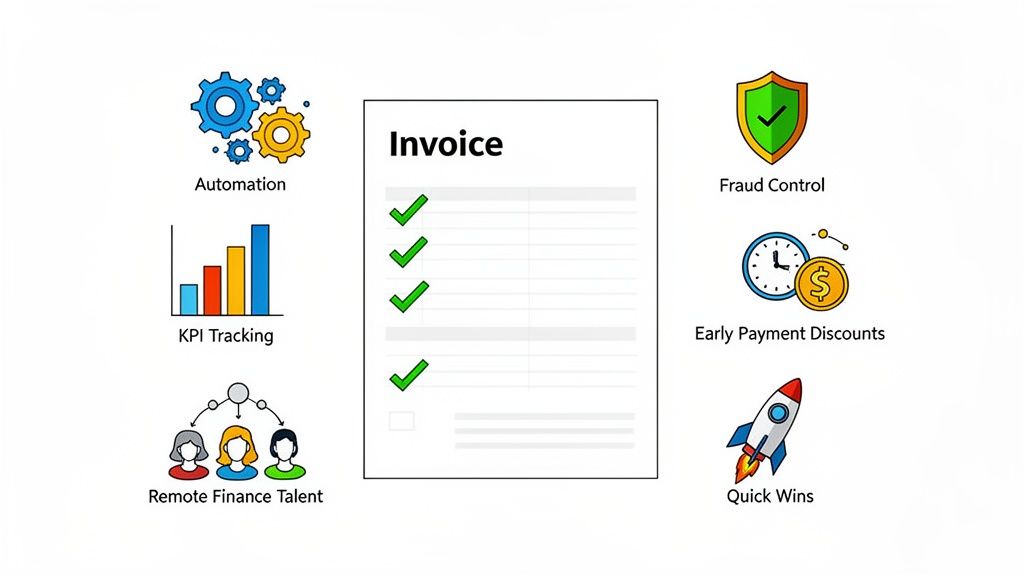
Let's be honest. For most startups and SMBs, 'accounts payable' is a polite term for 'that growing pile of invoices we'll get to eventually.' It's a chaotic mix of emailed PDFs, missed early payment discounts, and that one vendor who still insists on mailing their bills. You know the pain: chasing down approvals, untangling duplicate payments, and that sinking feeling when you realize you paid a $5,000 invoice twice. Hope you enjoy spending your afternoons playing detective, because that’s now your full-time job.
This isn’t just about administrative headaches. A sloppy AP process is a direct drain on your cash flow, a source of friction with valuable vendors, and a wide-open door for fraud. When your process is a black box, you lose visibility into spending, miss out on strategic financial planning opportunities, and waste countless hours on manual tasks that could easily be automated. For a comprehensive overview of how to boost efficiency and streamline workflows, you can delve into these accounts payable best practices, but we're going to get even more specific.
I've been there, and I’ve tried everything from color-coded spreadsheets to almost mortgaging the office ping-pong table for better software. The good news? It doesn't have to be this way. There's a clear path from chaos to control, and it's paved with battle-tested strategies, not generic advice. We’re about to walk through the 10 tactics that will save you time, money, and your sanity. Ready to get your AP house in order? Let's dive in.
Let's start with the most painful part of accounts payable: the soul-crushing, error-prone task of manual data entry. If your team is still squinting at PDF invoices and typing line items into a spreadsheet, you’re not just wasting time; you’re practically inviting mistakes and burnout. Invoice automation is the antidote. It’s about using software to grab invoices as they arrive (via email, vendor portal, or scanner), read them, and get them into your system without a human touching a keyboard.
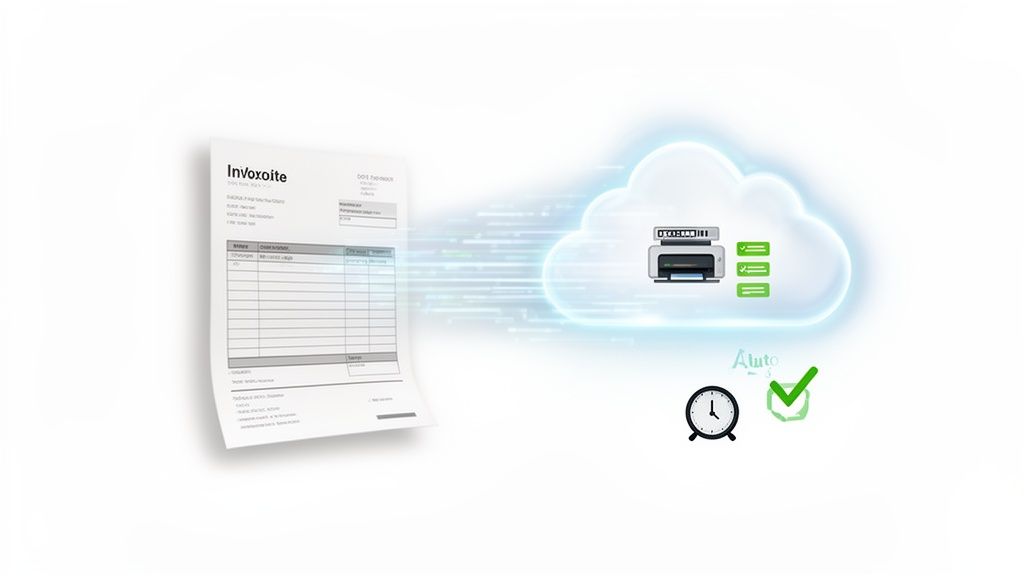
Modern AP platforms use Optical Character Recognition (OCR) to extract data like vendor names, invoice numbers, and amounts. The real magic happens next: the system automatically matches the invoice against the corresponding purchase order and receiving report (this is called three-way matching). Once matched, it’s digitally routed to the right person for approval. For cutting-edge efficiency and accuracy in handling invoices, exploring AI document processing solutions is highly recommended, as these systems learn and improve over time.
Let’s talk about a classic startup headache: the invoice that lands with "Payment Due Upon Receipt" scrawled on it, sending your cash flow projections into a nosedive. Ambiguous payment terms are a recipe for chaos, strained relationships, and frantic cash management. Establishing clear, documented payment terms with every single vendor isn't just bureaucratic paperwork; it’s a strategic move to control your cash cycle and eliminate nasty surprises. Think of it as setting the rules of the game before the clock starts running.
A solid vendor agreement standardizes everything from payment windows (Net 30, Net 60) and preferred payment methods to the specific line-item details required on an invoice. For instance, a SaaS startup might negotiate Net 45 terms with its marketing agencies to better align outflows with monthly recurring revenue. Similarly, a small manufacturer can lock in a 2/10 Net 30 discount, effectively getting a 2% return for paying early. This predictability is a core tenet of effective accounts payable process best practices.
Let’s be honest: "reconciliation" sounds like a chore you’d invent to punish an intern. But ignoring it is like driving with a foggy windshield. You think you're on track until you hit a cash flow pothole. Regular reconciliation and AP aging analysis are the finance equivalent of wiping that windshield clean, giving you a clear view of who you owe, how much, and for how long. It's about matching what your AP sub-ledger says you owe against what your general ledger confirms, and then digging into the overdue invoices.
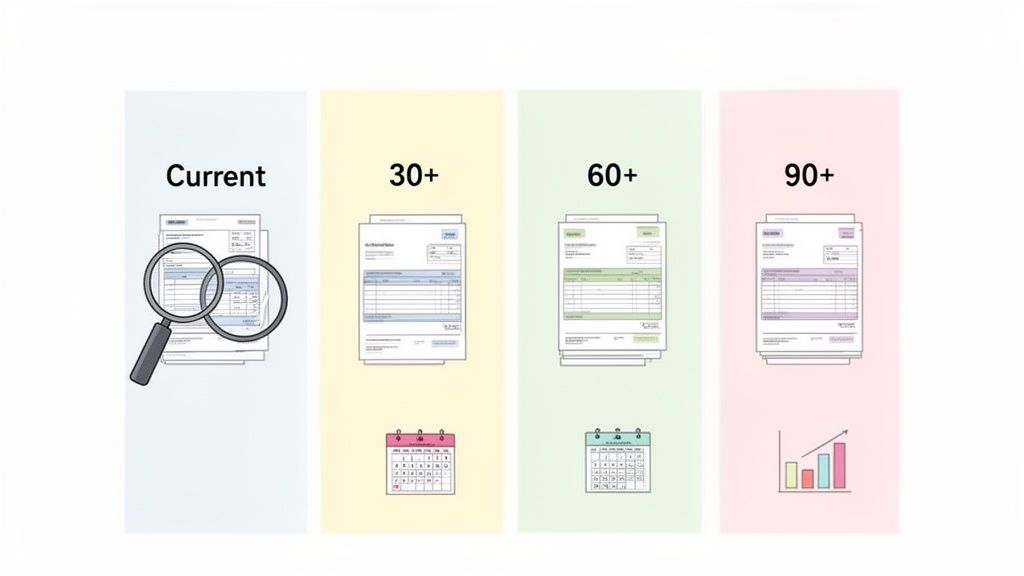
An AP aging report is your secret weapon here. It neatly categorizes unpaid vendor bills by age: current, 30-60 days past due, 60-90 days, and so on. This isn't just about avoiding angry calls from vendors. This practice is crucial for spotting duplicate payments, catching billing errors before they multiply, and identifying bottlenecks in your approval workflow. A mid-market manufacturer, for example, might use NetSuite's aging reports to see that invoices from a specific department are always late, pointing to a manager who’s a black hole for approvals.
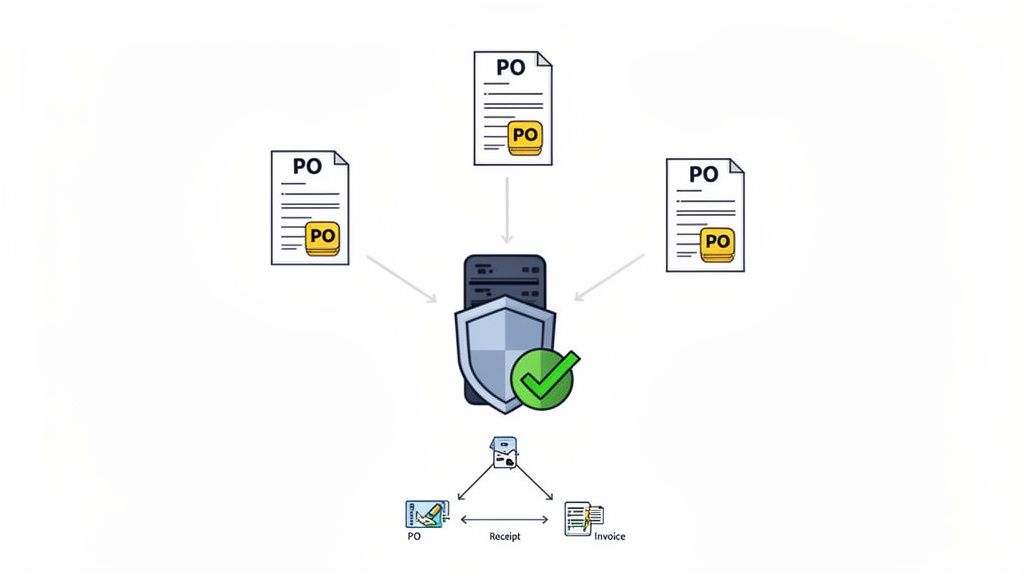
If you’ve ever stared at an invoice and thought, "Who on earth approved this?", then you understand the chaos of uncontrolled spending. Without a purchase order (PO) system, your accounts payable process is less of a process and more of a free-for-all. Enforcing a centralized PO system is your company's way of saying, "Hold on, let's get approval before the money is spent."
A PO is a formal request to a vendor for goods or services, and it acts as the official green light for a purchase. By requiring one for every transaction, you create a clear audit trail, enforce budget discipline, and prevent unauthorized spending before it ever hits your AP team's desk. This system is a cornerstone of effective accounts payable process best practices, transforming AP from a reactive payment center into a proactive financial control hub.
Paying bills isn't just about clearing invoices; it's a strategic cash flow lever. Do you pay early for a discount, pay on the due date to keep your vendors happy, or hold onto your cash until the last possible second? Getting this cadence wrong is like running a marathon with your shoes tied together. It’s inefficient and you’re bound to trip. Strategic payment timing is about making conscious, data-backed decisions that maximize working capital without burning bridges.
This isn't just about hoarding cash. It’s about deploying it intelligently. An e-commerce company might negotiate Net 45 terms with suppliers while collecting customer payments in under 10 days, creating a positive cash conversion cycle that funds growth. A SaaS startup with access to low-cost venture debt can calculate if a 2% early payment discount is more valuable than the interest on their loan. For many, this level of analysis is a full-time job, which is why exploring the benefits of outsourcing accounting services can provide the expertise needed to turn AP from a cost center into a strategic asset.
Let’s talk about trust. While you probably trust your team, blind trust is a terrible accounting principle. This is where segregation of duties comes in. It’s a fancy term for a simple, crucial idea: no single person should control a financial transaction from start to finish. Think of it as your internal security system against fraud, errors, and those awkward “who approved this invoice for a gold-plated stapler?” moments. It's a fundamental element of strong internal controls and one of the most important accounts payable process best practices.
By splitting responsibilities, you create natural checks and balances. The person who adds a new vendor to the system shouldn't be the same person who approves their invoices, and neither of them should be the one who actually cuts the check. This structure protects your company’s assets by making it significantly harder for one individual to authorize fraudulent payments or hide mistakes, whether intentional or accidental. For growing companies, it’s not just smart; it’s a non-negotiable step toward financial maturity.
Think of your vendor master file as the central nervous system of your accounts payable process. If it's a tangled, outdated mess, expect painful shocks like duplicate payments, misdirected funds, and compliance nightmares. A clean, meticulously maintained vendor master file is non-negotiable; it’s the single source of truth that prevents chaos from taking over.
A strong vendor master file contains everything you need to know: accurate contact information, payment details like ACH routing numbers, approved payment terms, and critical tax IDs. It’s the foundation that ensures payments are sent to the right entity, for the right amount, at the right time. Skipping this step is like building a house on a foundation of sand; it’s not a matter of if it will collapse, but when.
Let’s be honest, the happy path is a myth. Not every invoice that lands in your inbox is a perfect, pristine document ready for payment. You'll get invoices with mystery charges, incorrect quantities, and prices that don't match the PO. Without a plan, these exceptions become payment black holes, sucking up your team's time and tanking vendor relationships. A standardized exception and dispute resolution process is your playbook for tackling these inevitable hiccups without derailing your entire AP workflow.
This isn't just about sending a grumpy email back to the vendor. It's about a defined, documented system for flagging issues, communicating clearly, tracking resolutions, and deciding when to put a payment on hold. For example, an e-commerce company might use this process to formally track shipment discrepancies and deduct chargebacks from vendor payments, complete with documented approvals. It transforms messy disputes into a predictable, manageable part of your accounts payable process best practices.
You can't fix what you can't measure. Flying blind in your accounts payable department is a recipe for cash flow surprises and missed opportunities. Leveraging data analytics isn't just for your sales or marketing teams; it’s a critical best practice for transforming AP from a cost center into a strategic function. This means tracking key performance indicators (KPIs) to see what’s working, what’s broken, and where the money is going.
Treating your AP process like a black box is a rookie mistake. By monitoring metrics like Days Payable Outstanding (DPO), invoice processing cost, and exception rates, you get a clear, data-backed picture of your team's efficiency. A mid-market company, for example, used its NetSuite analytics to spot bottlenecks and cut its average invoice cycle time from eight days down to three. That’s not a small tweak; that’s a competitive advantage.
If your AP process lives entirely in the heads of one or two people, you don't have a process; you have a ticking time bomb. What happens when your go-to AP wizard wins the lottery or finally takes that two-week vacation? Chaos. Documenting your policies isn't about creating a dusty binder no one reads; it's about building a scalable, consistent, and defensible operation. It’s the playbook that ensures everyone, from a new hire to the CFO, handles invoices, approvals, and payments the exact same way, every single time.
This document becomes your single source of truth for everything from invoice verification to vendor onboarding and dispute resolution. It establishes clear rules of engagement and, more importantly, defines who is accountable when things go sideways. For a growing company, especially one with remote team members, this isn't just a "nice to have," it's the foundation of a functional finance department and one of the most critical accounts payable process best practices you can implement.
| Practice | Implementation complexity | Resource requirements | Expected outcomes | Ideal use cases | Key advantages |
|---|---|---|---|---|---|
| Implement Invoice Automation and Digital Invoice Processing | Moderate–High: software setup, integrations, OCR tuning | AP automation software, IT support, vendor data cleanup, training | 60–80% faster processing, fewer errors, real-time visibility | High invoice volume, remote AP teams, scaling companies | Reduces manual entry, speeds cycle, scalable, improved tracking |
| Establish Clear Vendor Payment Terms and Agreements | Moderate: negotiation and documentation effort | Legal/accounting time, vendor coordination, master file updates | Predictable cash flow, fewer disputes, discount opportunities | Businesses negotiating supplier terms or improving forecasting | Reduces disputes, enables forecasting, captures discounts |
| Perform Regular Reconciliation and AP Aging Analysis | Moderate: recurring monthly processes and reviews | Accounting staff or outsourced specialists, reporting tools, data access | Accurate reporting, duplicate-payment detection, prioritized payments | Companies needing accuracy, compliance, or recovering overpayments | Detects errors, improves reporting and cash management |
| Enforce a Centralized Purchase Order (PO) System | Moderate–High: process redesign and system integration | PO/procurement system, approval workflows, training | Controlled spending, audit trail, simpler invoice matching | Organizations needing spend control, procurement governance | Prevents unauthorized spend, enables auditability and budget control |
| Optimize Payment Timing and Cash Flow Management | Moderate: forecasting models and payment rules | FP&A or analyst time, forecasting tools, AR/AP integration | Improved working capital, captured discounts, balanced liquidity | Firms optimizing working capital or managing seasonal cash flows | Maximizes cash efficiency, captures discounts, strategic timing |
| Implement Segregation of Duties in the AP Process | Moderate: role definition and system controls | Additional roles or role-splitting, access controls, policies | Reduced fraud risk, stronger internal controls, compliance support | Growing firms, public companies, compliance-sensitive orgs | Prevents fraud, creates audit trails, supports SOX/SOC2 compliance |
| Maintain Detailed Vendor Master Data and Documentation | Low–Moderate: initial cleanup and ongoing audits | Centralized vendor DB, data audits, onboarding process | Fewer duplicates, accurate payments, reliable vendor data | Companies with many vendors, recent M&A, frequent vendor changes | Reduces duplicate payments, ensures correct routing, improves sourcing |
| Standardize Invoice Exception and Dispute Resolution Processes | Moderate: define workflows, templates, escalation paths | Communication templates, dispute handlers, tracking system | Faster resolutions, fewer lost invoices, clearer records | High exception rates, complex supplier billing, chargebacks | Speeds dispute handling, reduces payment delays, enables metrics |
| Leverage Data Analytics and KPI Monitoring for Continuous Improvement | Moderate–High: integration and dashboarding effort | Analytics tools, analysts, integrated systems, clean data | Identifies bottlenecks, measures ROI, guides improvements | Maturing finance teams aiming for process optimization | Data-driven decisions, KPI benchmarking, measurable ROI |
| Define and Document AP Policies and Procedures with Clear Accountability | Moderate: documentation and change management | Time to document, policy owner, training materials, version control | Consistent execution, faster onboarding, clearer accountability | Remote teams, scaling orgs, companies needing standardization | Enables scale, reduces errors, improves training and compliance |
You’ve made it to the end. You now have a playbook of ten battle-tested accounts payable process best practices. You could print it out, stick it on the wall, and feel pretty good about yourself. But let’s be honest, reading a list and actually fixing a broken process are two very different things. The real takeaway isn't just to implement invoice automation or to start using purchase orders. It’s to stop accepting that your AP function has to be a chaotic, time-sucking cost center.
The truth is, a perfect accounts payable process isn't built overnight with a single, sweeping change. It’s built one smart, deliberate decision at a time. It’s the small wins, compounded over time, that transform your back office from a liability into a strategic asset that protects your cash flow and strengthens vendor relationships. The biggest mistake we see founders and finance leaders make is analysis paralysis, waiting for the perfect moment or the perfect hire to get started. That moment will never come.
So, where do you begin? Don’t try to boil the ocean. Pick one or two high-impact areas from this list and attack them with ruthless focus. The goal isn't perfection; it's momentum.
Ultimately, mastering these accounts payable process best practices is about building a system that doesn't require heroic effort just to keep the lights on. It’s about creating a predictable, efficient machine that pays the right people the right amount at the right time.
Often, the bottleneck isn't the process itself; it's the lack of specialized, affordable talent to run the playbook. You might have the best software and the most detailed SOPs, but without the right people executing, it’s all just theory. You know you need help, but the thought of spending weeks sourcing, interviewing, and training a new full-time hire feels like its own special kind of nightmare.
This is the exact problem we built HireAccountants to solve. We recognized that startups and SMBs need access to top-tier, US-caliber finance talent without the traditional overhead and hiring headaches. We connect you with pre-vetted, English-fluent accountants and bookkeepers from Latin America who are already trained in US GAAP and can implement these best practices from day one. They operate in your time zone, integrate seamlessly with your team, and often cost a fraction of a domestic hire. Stop staring at that pile of invoices. Pick one thing from this list, get started, and let us help you build the world-class finance function you deserve.
Ready to upgrade your AP process with expert, affordable talent? HireAccountants connects you with pre-vetted, remote finance professionals from Latin America who can streamline your operations and implement these best practices immediately. Visit HireAccountants to find your perfect match today.
Let's simplify your finances today!